


- 4K Capture Card for Gaming: Seamlessly capture and stream PS5, PS5 Pro, Xbox, and Nintendo Switch gameplay to Discord in 1080p or stunning 4K resolution. Perfect for Twitch, YouTube, and Live streaming with OBS Studio and Streamlabs.
- Low Latency Capture Card for Real-Time Gameplay: Experience seamless gameplay streaming and recording with minimal delay via Twitch, YouTube, and OBS. Enjoy synced audio and video for an immersive gaming and viewing experience.
- Plug-and-Play: Set up without extra drivers or external power. Fully compatible with popular third party platforms like OBS and Twitch. Supports Windows 10/11, Mac 13/14, and iPadOS 17 or later.
- 4K60 HDR/VRR Pass-Through: Enjoy stunning 4K60 HDR/VRR pass-through for smooth gameplay, delivering high quality for streaming, recording, and gaming on PS5, Xbox Series X/S, and PC.
- Ultra-Wide Screen Support: Perfect for gamers and streamers, this AVerMedia capture card supports ultra-wide resolutions (3440x1440 & 2560x1080) and delivers RGB 24 true-to-life colors for fully uncompressed video quality.

GC553Pro Live Gamer ULTRA S - Black
Sale price
$ 139.99
Regular price
$ 149.99





Bring Your Glory to Life in Every Frame
Level up with the Live Gamer Ultra S. Enjoy uncompressed 4K for Lossless streaming.


🖥️ HDR Video Capture
🎮 VRR Passthrough
🎨 RGB24 Color Precision
🖥️ Ultra-Wide Support
🔊 5.1 Surround Sound
Unlock Professional Immersion for Your Audience


-
See It As You Stream It Real-time OBS Preview with Ultra-Low Latency.
-
Pro Choice for Gamers Showcase your gameplay with 4K visuals and ultra-smooth frame rates.
-
Immersive Experience A full-sensory experience with 5.1 surround sound, offering multi-channel audio for high-quality recordings.
-
See It As You Stream It Real-time OBS Preview with Ultra-Low Latency.
-
Pro Choice for Gamers Showcase your gameplay with 4K visuals and ultra-smooth frame rates.
-
Immersive Experience A full-sensory experience with 5.1 surround sound, offering multi-channel audio for high-quality recordings.
Specifications
Product Comparison
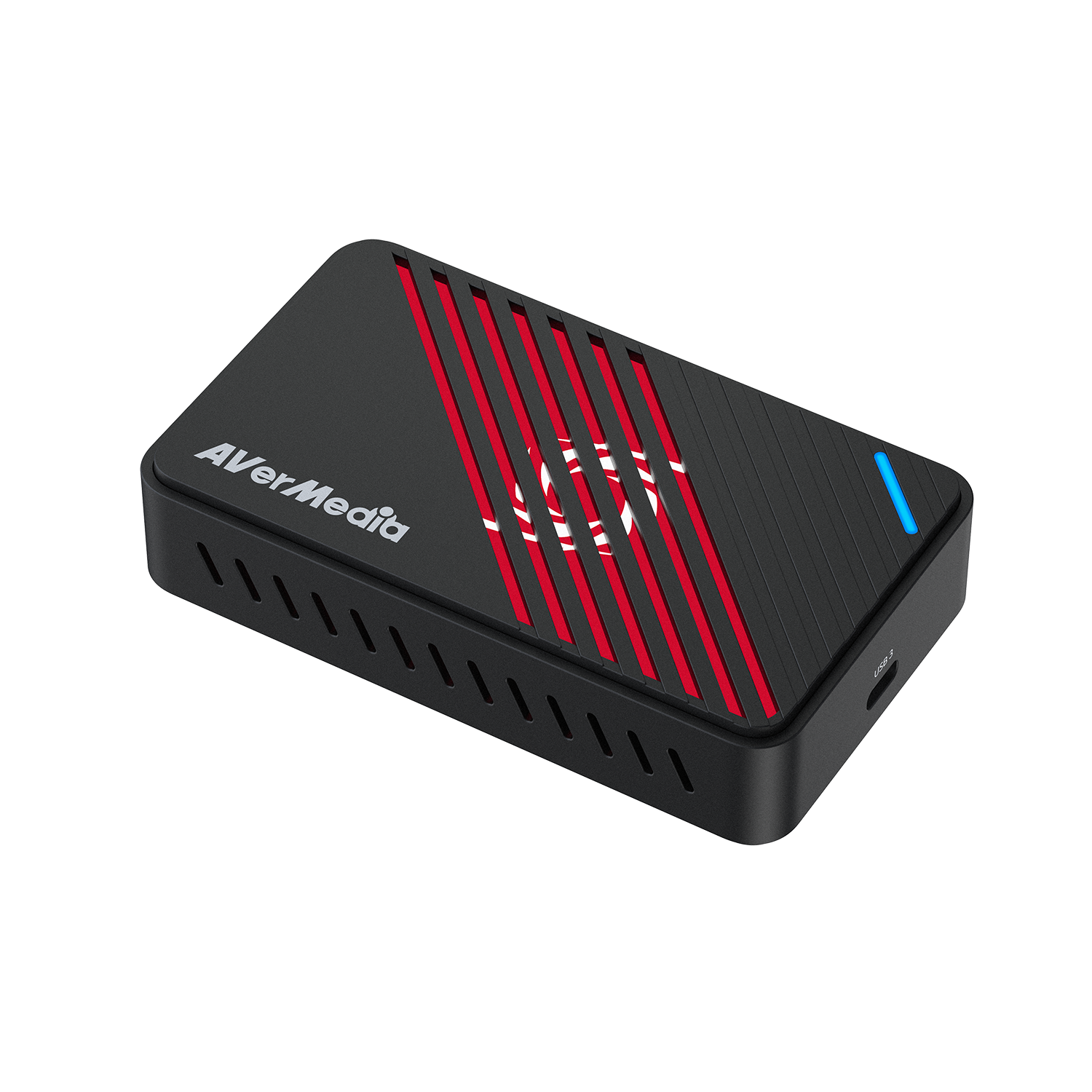
Max Capture
4K40
Max Pass-Through
4K60 HDR
VRR Pass-Through
4K60
Interface
USB 3.2
HDMI Standard
HDMI 2.0


Max Capture
4K144
Max Pass-Through
4K144 HDR
VRR Pass-Through
4K144
Interface
USB 3.2
HDMI Standard
HDMI 2.1
Recommended Products
Customer Reviews
Drawer Title
- Choosing a selection results in a full page refresh.